
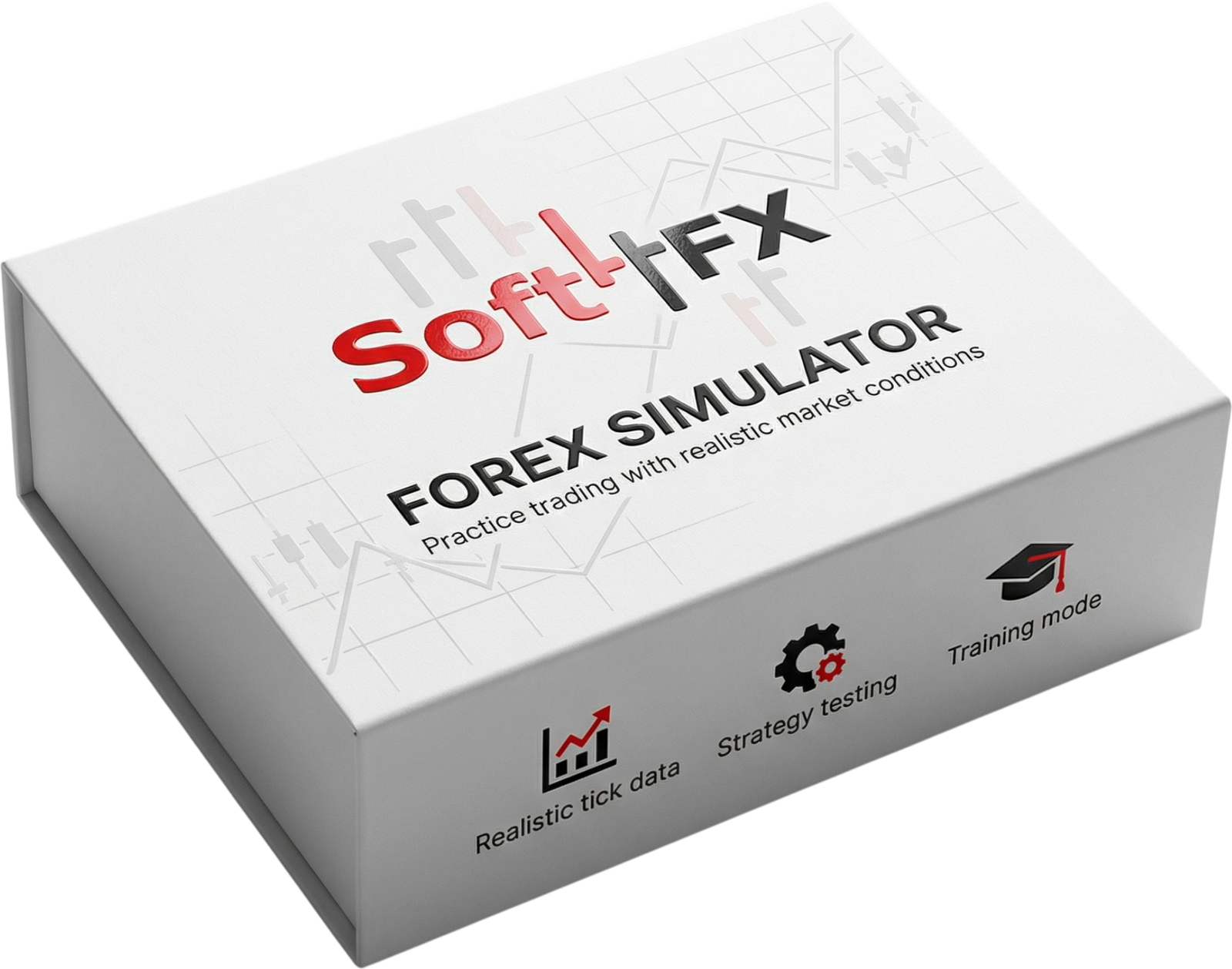
The #1 Trading Simulator and Backtester
Use this space to add a medium length description. Be brief and give enough information to earn a click.
The Best Tool to Practice Trading
Trading requires practice, but this takes a lot of time. The Soft4FX Simulator lets you train fast and efficiently with access to a variety of instruments.
- Faster than demo trading
- No risk involved
- Free Demo
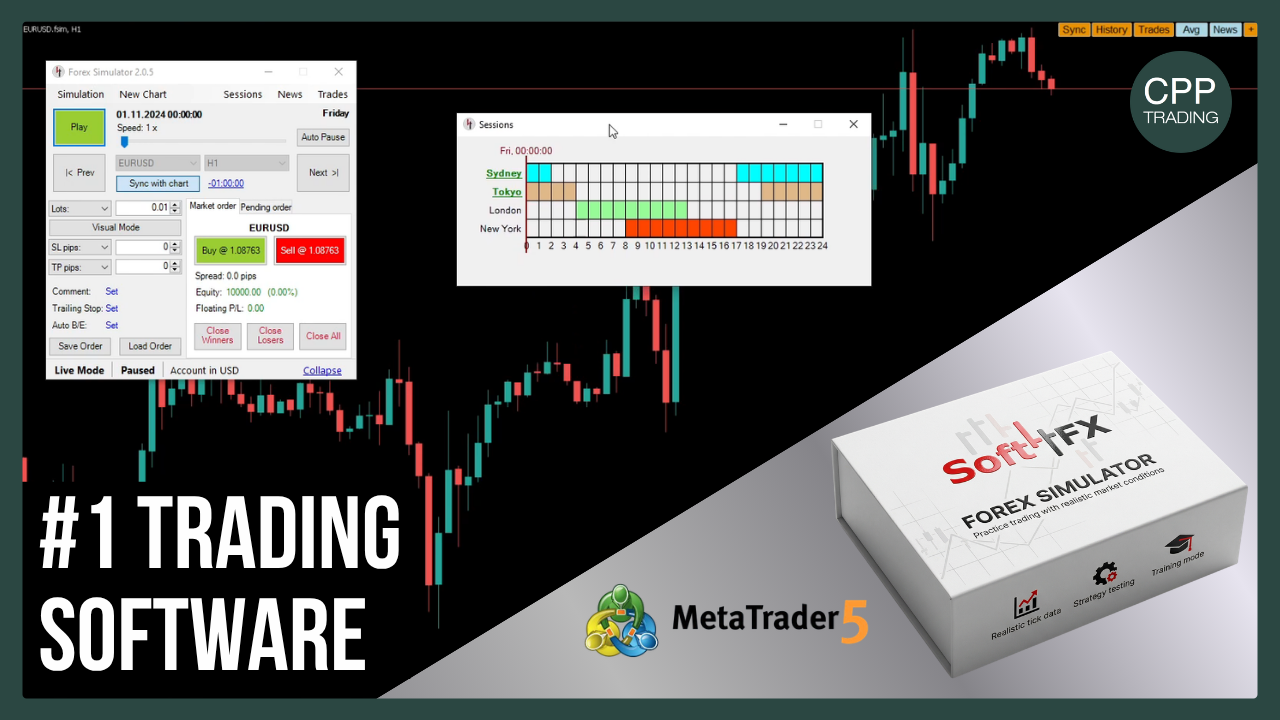
Visual Trading
Forex Simulator improves your trading experience by allowing you to place pending orders, stop-losses, and take-profits through intuitive chart interactions. The ability to modify existing orders by simply dragging lines on the chart makes trading visually seamless and efficient.
Adjust Speed
Take control of your learning pace with the Forex Simulator’s adjustable speed feature. Whether you want to fast-forward through periods of market consolidation or analyze minor price retracements in greater detail, you can easily adjust the simulation speed to match your learning style.
Save / Load Simulations
Efficiently manage your trading sessions with the ability to save and load simulations. All your trades, pending orders, stop-losses, take-profits, trailing stops, and other settings are preserved, allowing you to resume your sessions at any time. This flexible, time-saving feature makes it easier to review, refine, and improve your trading skills.
Advanced Trade Management
Manage your trades with powerful features designed to mirror real-world market conditions. Set stop-loss and take-profit levels, use trailing stops, and automate break-even adjustments to help protect your positions. With customizable order templates, you can save and quickly apply your preferred trade and risk management rules, making it easier to stay consistent with your trading plan.
View Statistics
Track your trading performance with real-time statistics similar to those available in MetaTrader (MT4 and MT5). Monitor key metrics such as profit/loss, equity, and drawdown, while gaining deeper insights through detailed reports on trade duration, win/loss ratio, and market exposure. Analyze your results to identify strengths, refine your strategy, and improve your overall trading performance.
Export Data
Export your trading results for detailed analysis and record-keeping. Generate Excel spreadsheets or HTML reports formatted like broker or MetaTrader statements, making it easy to review your trade history and performance. By analyzing your simulation results, you can identify patterns, evaluate your strategy, and make more informed trading decisions.